
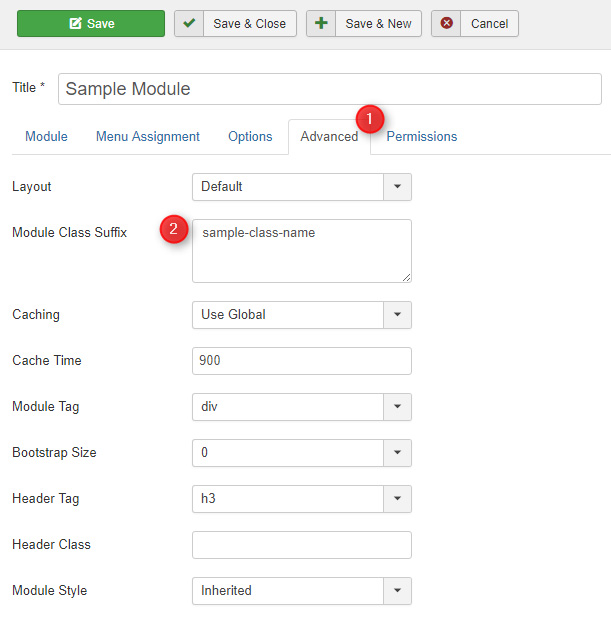
There are additional module designs available that you can control by entering a correct suffix name as a module parameter.
If you need to mix suffixes then separate classes with some space.
1. Available module designs.
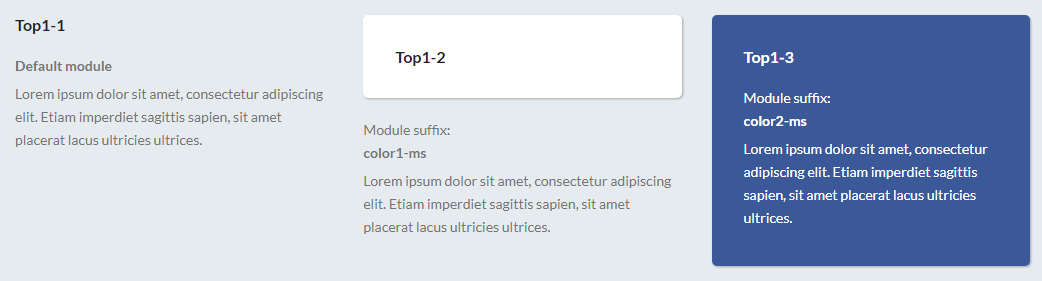
Suffix name: color1-ms
Suffix name: color2-ms
2. Use the suffix for menu item if you want to get the following view for "Post an ad" item.

Suffix name: button-ms
3. Use the suffix if you want remove top/right/bottom/left/all margin of module.
Suffix name: margin-top-ms
Suffix name: margin-right-ms
Suffix name: margin-bottom-ms
Suffix name: margin-left-ms
Suffix name: margin-ms
4. Use the suffix for a DJ-Classifieds Search module if you want to get the following view.
Suffix name: search-ms

Suffix name: search-ms location-ms

Suffix name: search-ms category-ms

Suffix name: search-ms locationcategory-ms

5. Use the suffix for a DJ-Classifieds Items module if you want to get the following view of the module items.
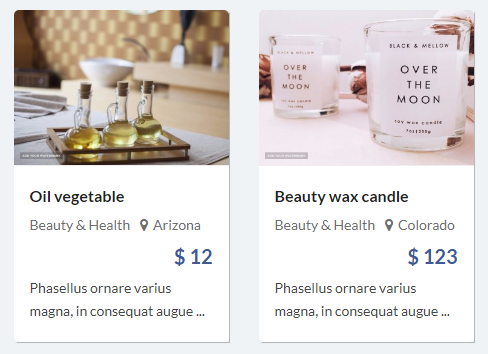
Suffix name: items-boxed-ms
6. Use the suffix for a DJ-Classifieds Regions module if you want to get the following view.
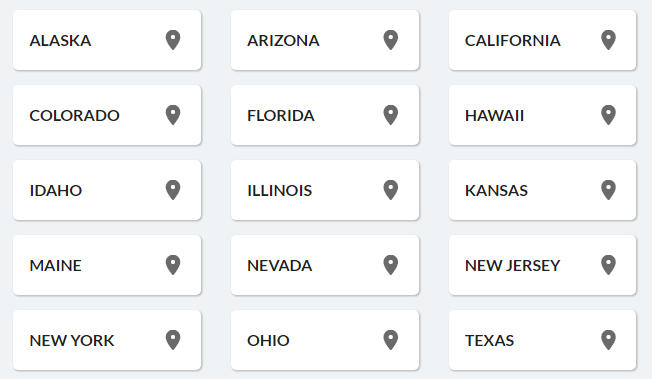
Suffix name: regions-ms col4
You can also display other number of columns if needed:
Suffix name: col2
Suffix name: col3
Suffix name: col5
7. Use the suffix for a DJ-MediaTools Album module if you want to get the following view of the navigation arrows.
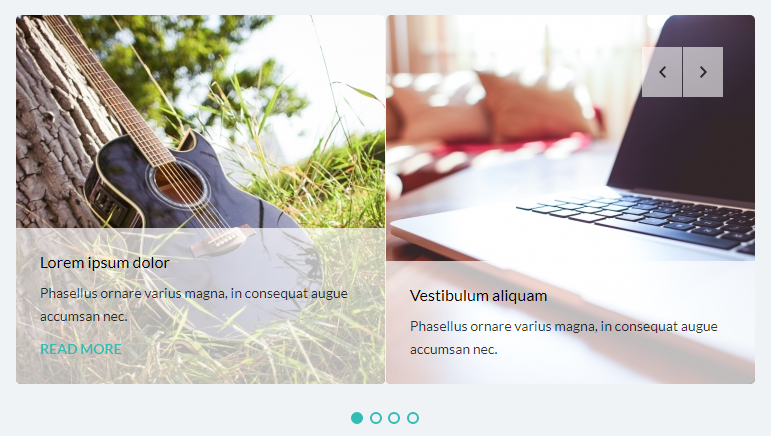
Suffix name: top-right-nav-ms
You can also display the navigation on other positions:
Suffix name: top-left-nav-ms
Suffix name: bot-left-nav-ms
Suffix name: bot-right-nav-ms
8. Use the suffix for a DJ-MediaTools Album module if you want to get the following view of the navigation arrows.
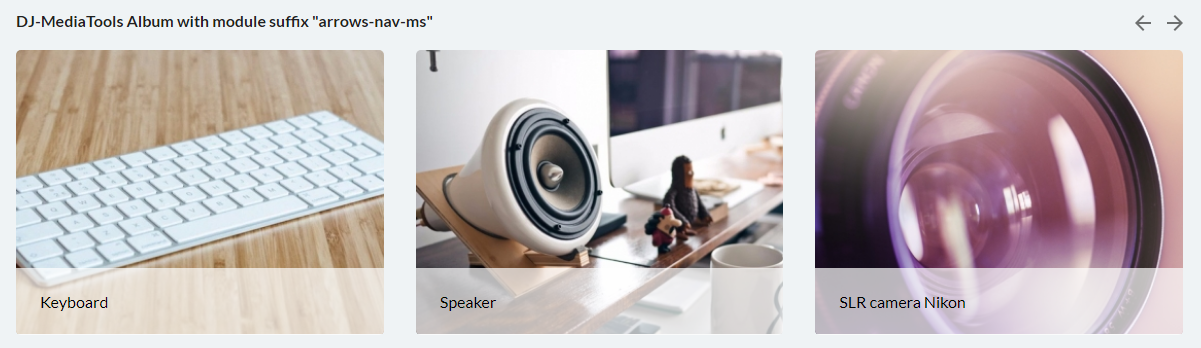
Suffix name: arrows-nav-ms
9. Use the suffix for a Joomla menu module if you want to get the following view.

Suffix name: horizontal-ms
10. Use the suffix for a DJ-MegaMenu menu module if you want center the module as follows.

Suffix name: header-category-ms
11. Use the suffix for a custom HTML module with a link which should work as the advanced search toggle button.

Suffix name: advanced-ms
12. Additional and very useful suffix to make your modules height the same.
You just have to put a suffix at a module configuration to get the specified module height.
See here the screenshot:
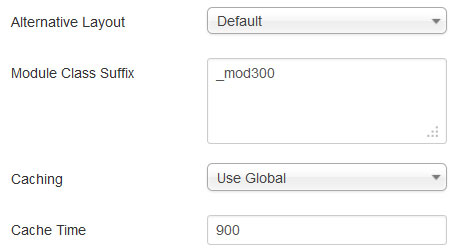
_mod300 means that your module will be of 300 pixels high.